Windows 10 Support Has Ended — What Should You Do Next?
As of October 14, 2025, Microsoft has officially ended support for Windows 10. This means no more free security updates, bug fixes, or technical support. If you’re still using Windows 10, it’s time to take action to protect your systems and data.
🔍 WHAT DOES END OF SUPPORT MEAN?
No Security Updates: Your system is now vulnerable to threats.
No Technical Support: Microsoft will no longer assist with Windows 10 issues.
Software Compatibility Risks: New apps and updates may not work properly.
✅ YOUR OPTIONS MOVING FORWARD
Upgrade to Windows 11
Recommended for most users.
Enhanced security, performance, and modern features.
Check if your device meets Windows 11 system requirements.
Go to Start > Settings > Update & Security > Windows Update and select Check for updates.
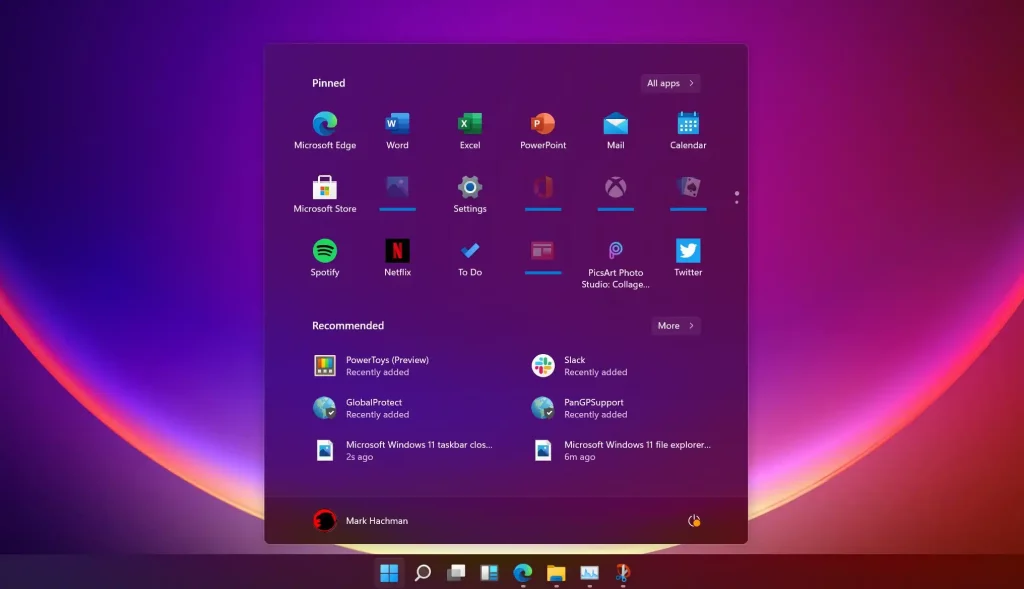
Windows 11
Purchase a new PC
If your current device isn’t compatible with Windows 11.
New devices come pre-installed with Windows 11.
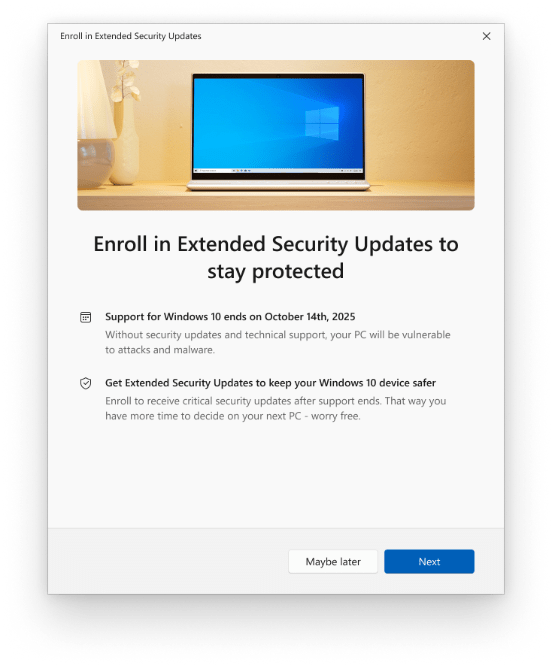
Subscribe to Extended Security Updates (ESU)
For organizations and users who need more time to transition.
Paid subscription provides critical security updates for up to 3 more years, licence purchased annually.
Ideal for legacy systems or regulated environments.
Contact Itopia for more details.
Continue Using Windows 10
(Not Recommended)
If you must, ensure:
Strong antivirus protection.
Avoid sensitive tasks like online banking.
Regular data backups.
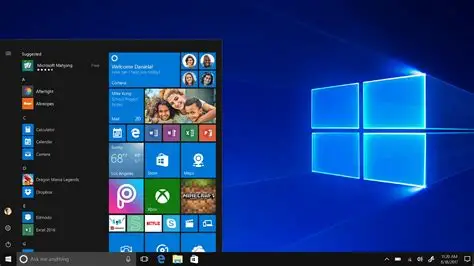
Windows 10
🛠️ NEED HELP?
Contact ITopia service desk.
Visit Microsoft’s official support page for guidance.
Consider ITopia professional migration services for a smooth transition.
📌 TAKE ACTION NOW
Staying on an unsupported OS puts your data and privacy at risk. Let ITopia help you explore your options today to stay secure and productive.
We prefer to use our computers as long as possible. ITopia provided many options to fit our budget and we are now on Windows 11. Thanks again.
We have used Dell computers for a long time. ITopia provided good pricing to upgrade.
We are saving money buy licenses through ITopia rather than buying direct. While I’m not sure how they manage to do it, I am truly grateful for the savings we are able to achieve.
All our people use Lenovo laptops supplied and installed by ITopia. They are super reliable. When we have issues, they are quick to answer and resolve.